空气 · Air quality for Singapore
Singapore's haze readings, without the clutter.
Is it hazy today? See the latest PSI and PM2.5 for your part of Singapore at a glance, right on your Home Screen and Lock Screen.
iPhone · Home & Lock Screen widgets

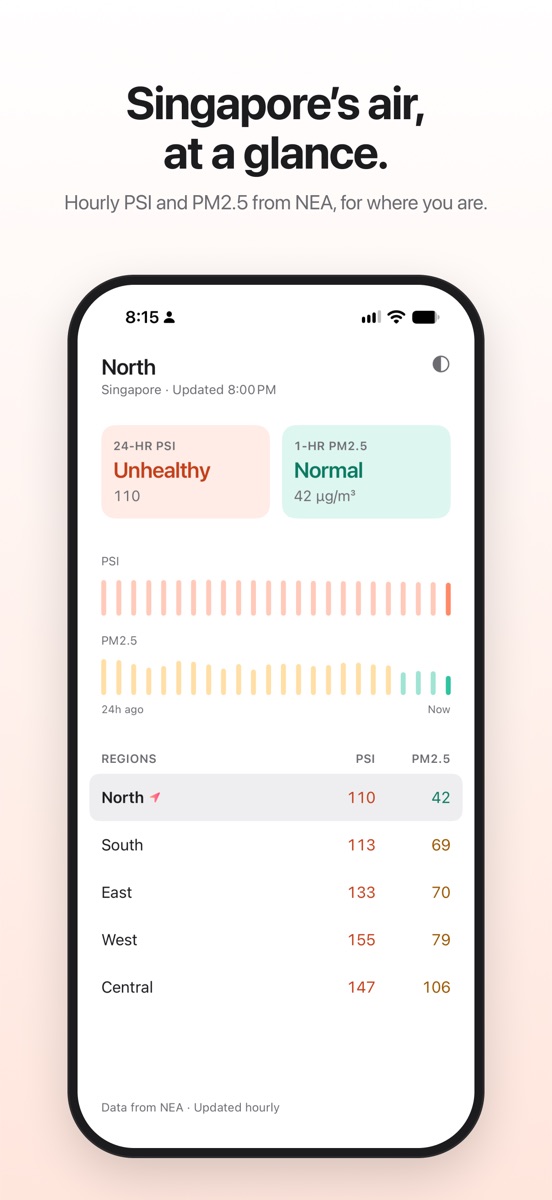
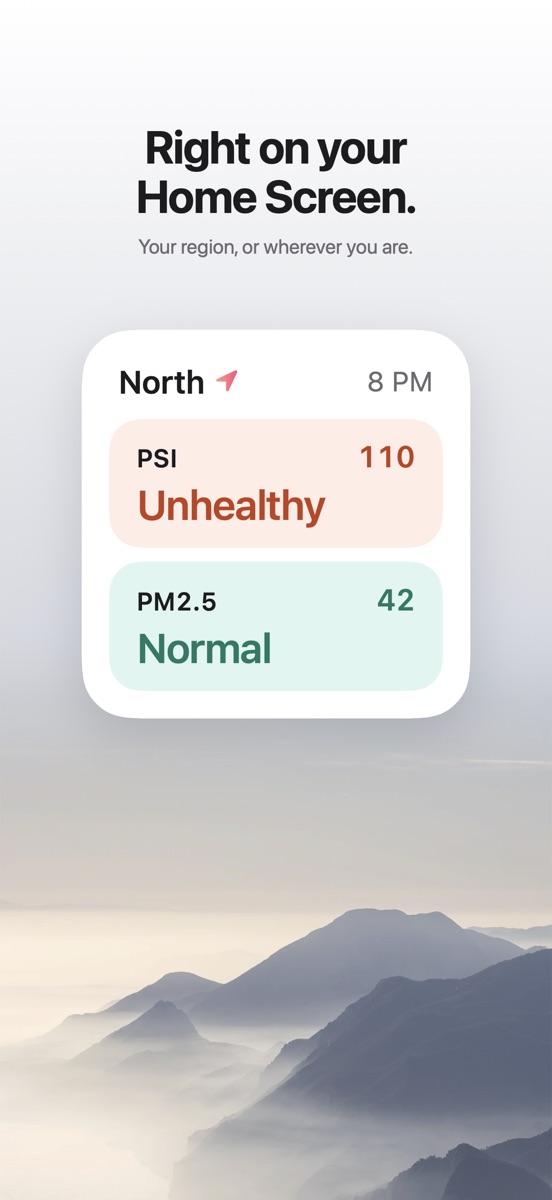
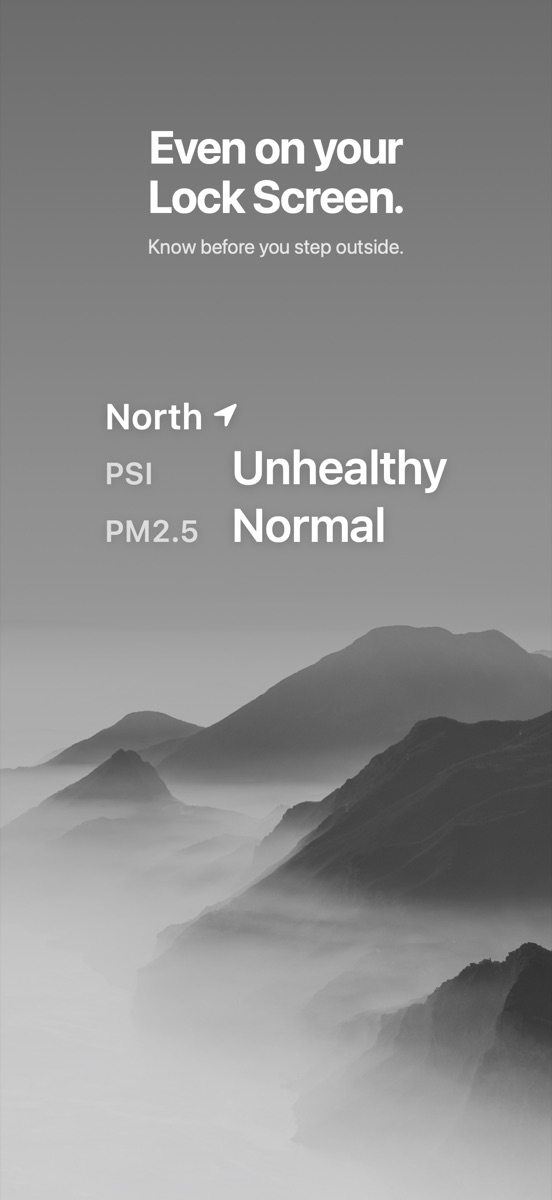
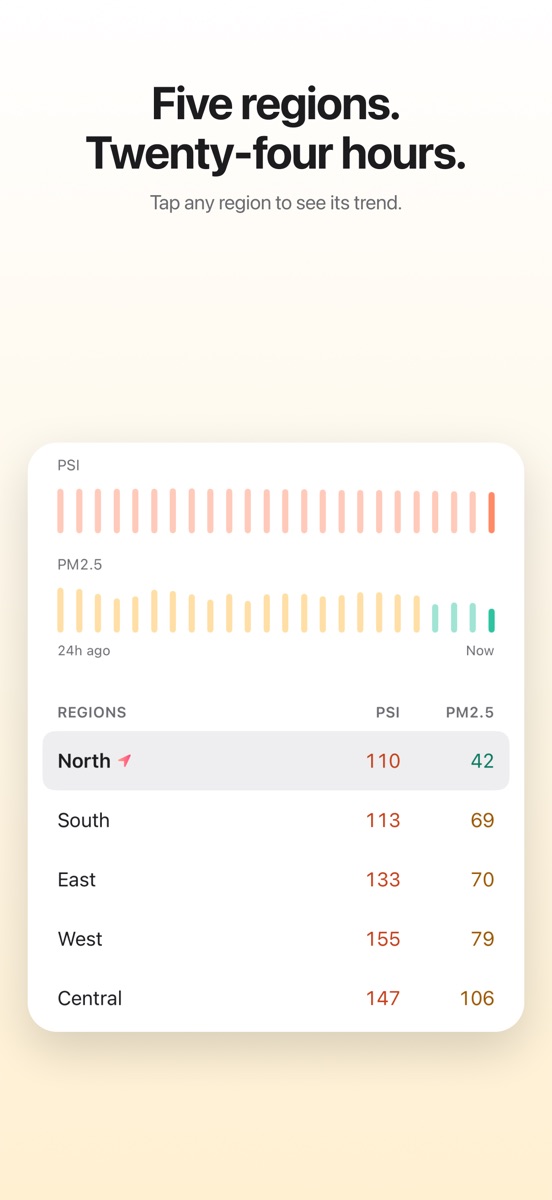
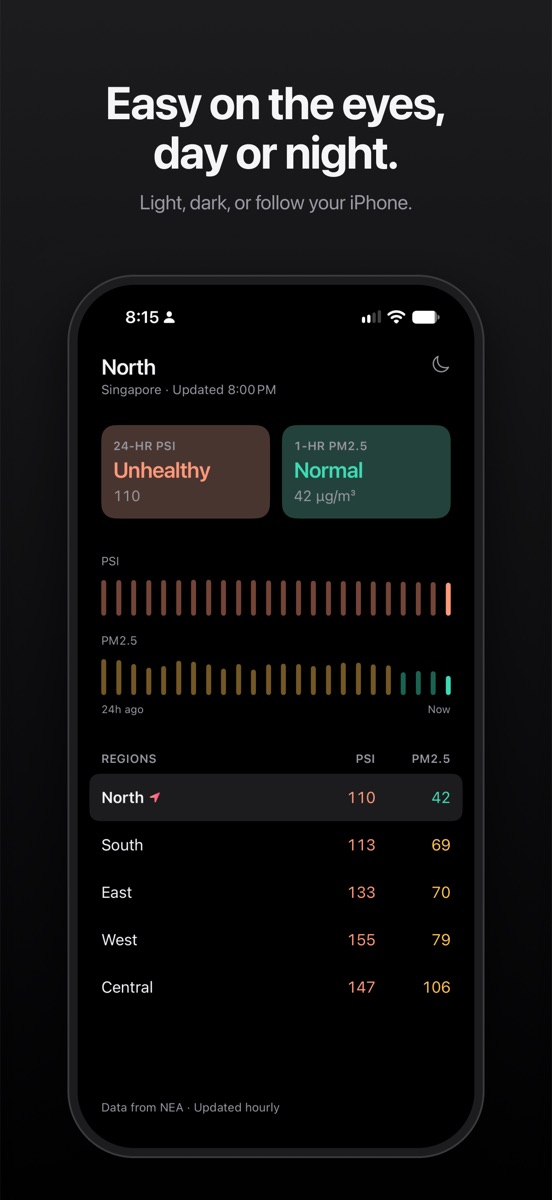
KongQi shows the official 24-hour PSI and 1-hour PM2.5 for Singapore's five regions (North, South, East, West and Central), updated every hour. Open the app and you see the reading for where you are. Add a widget and you don't need to open the app at all.
01
At a glance
- 24-hour PSI and 1-hour PM2.5 for the region nearest you
- Plain-language bands, the same ones NEA uses: Good, Moderate, Unhealthy, Very unhealthy, Hazardous
- 24-hour trend bars to see whether the air is getting better or worse
- All five regions side by side in one table. Tap any region to see its trend
02
Widgets
- Home Screen widget with PSI and PM2.5 for your region
- Lock Screen widget, so you can check the air before you unlock your phone
- Each widget can follow your location or stay on a region you choose. Keep one for home and one for the office
03
Simple by design
- One screen. No maps, no ads, no account
- Colour is used only for air quality, so the reading stands out at a glance
- Light and dark mode
- Your location is used only on your device, to pick the nearest region
Useful when you're deciding whether to go for a run, open the windows, bring the kids to the playground, or reach for an N95 mask.
Data: National Environment Agency (NEA), via data.gov.sg. KongQi is an independent app and is not affiliated with or endorsed by NEA or the Singapore Government. For health advice during haze episodes, refer to NEA's official guidance. KongQi (空气) means “air” in Mandarin.